Cozaze: A Google Slides Template for Polished, Professional Presentations
Let's be honest: most presentations are forgettable. We've all sat through slideshows cluttered with mismatched fonts, generic clip art, and chaotic layouts that distract from the message. For entrepreneurs, marketers, and creative professionals, a presentation is often the first real handshake with a client or investor. It needs to communicate competence, clarity, and a polished brand identity from the very first slide. That's where a thoughtfully designed template becomes less of a convenience and more of a strategic asset.
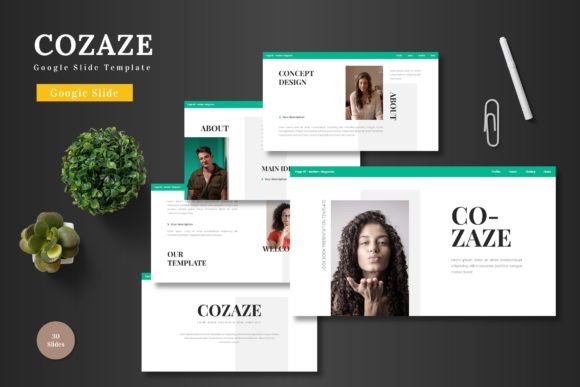
This is Cozaze - Google Slide Template, a toolkit designed for those who need to present ideas with visual confidence without spending hours wrestling with design software. It's built on the principle that great design should be accessible, editable, and ready to adapt to a multitude of professional needs.
More Than Just Slides: A Visual Communication System
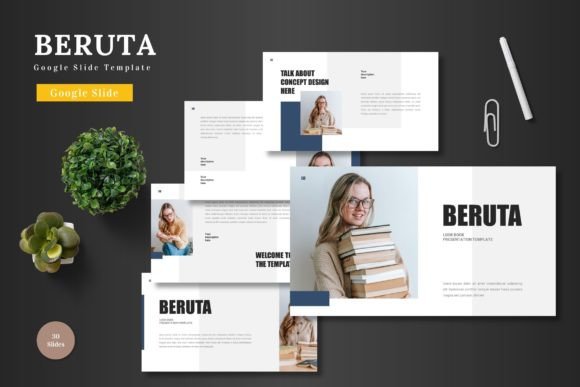
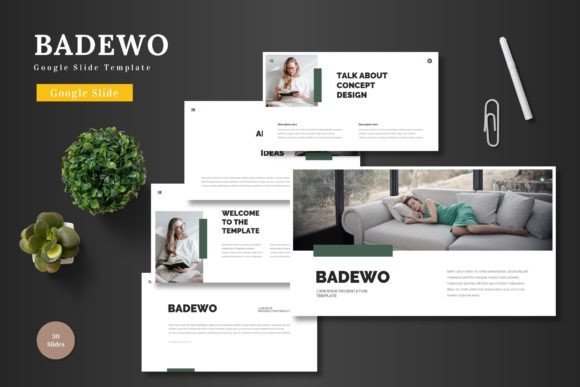
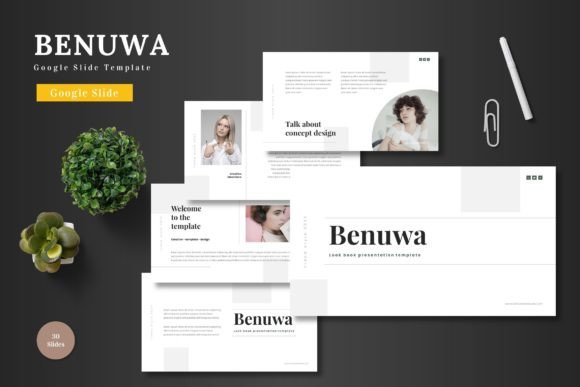
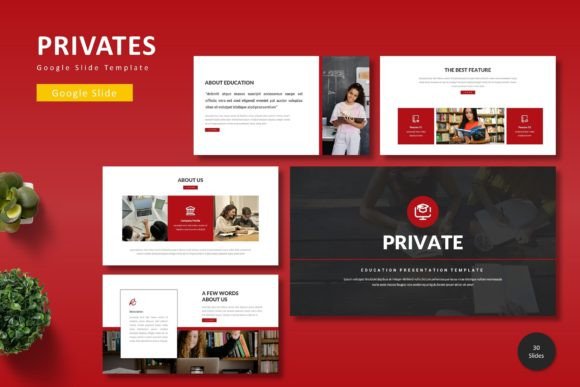
At its core, Cozaze isn't just a collection of pre-made slides. It's a structured system for visual storytelling. The package includes over 150 total slides, organized into five distinct premade color schemes, with 30 meticulously crafted slides per template. This variety means you're not locked into a single aesthetic. Whether your brand personality is bold and energetic or sleek and minimalist, there's a color variation to match.
The design philosophy centers on clean, scalable graphics. Every element, from icons to charts, is pixel-perfect and fully editable within Google Slides itself. There's no need to switch between different design tools or struggle with incompatible files. This seamless integration is a huge time-saver for small business owners and content creators who wear multiple hats. You can adjust shapes, recolor elements, and swap placeholder images with simple drag-and-drop functionality, ensuring your presentation feels uniquely yours.
Practical Applications Across Your Brand Ecosystem
The true value of a template like Cozaze lies in its versatility. It’s a design asset that can extend far beyond a single board meeting pitch deck. Consider how its structured layouts and professional aesthetics can serve various facets of your work:
- Brand Presentations & Pitch Decks: Create a cohesive narrative for investor meetings or client proposals that builds trust and communicates your value proposition clearly.
- Internal Communications: Standardize company updates, training materials, and team reports with a consistent visual language that reinforces your brand identity internally.
- Marketing & Sales Enablement: Develop engaging sales decks, product demos, or webinar slides that keep your audience focused and help your team close deals.
- Educational Content & Workshops: Design course materials, workshop guides, or conference presentations that are both informative and visually engaging for learners.
- Portfolio & Case Study Showcases: Use the gallery and portfolio slides to elegantly display your work, whether you're a designer, photographer, or consultant.
The inclusion of section break slides is particularly useful for longer presentations, providing a clean visual pause that helps organize complex information for your audience.
Designing for Clarity and Audience Engagement
A common pitfall in presentation design is prioritizing flair over function. Cozaze helps avoid this by providing a balanced foundation. The layouts are designed with readability in mind, using ample white space and clear hierarchies to guide the viewer's eye. This focus on clean typography and organized content directly improves audience engagement. When information is easy to digest, your message lands more effectively.
For those concerned with brand consistency, using a master slide-based template ensures that every page of your presentation adheres to the same visual rules. This creates a professional, unified look that strengthens brand recognition. You can set your brand colors once and have them apply across the entire deck, maintaining that crucial visual consistency whether you're presenting to ten people or a thousand.
Getting Started and Making It Your Own
Adopting a new template is straightforward. After downloading the main files—which include the PPTX files, color schemes, and a readme with font and photo information—you can begin customizing immediately in Google Slides. The process is intuitive: input your content, drag your images into the placeholders, and adjust colors to match your brand palette.
A few practical tips for maximizing the template's potential:
- Start with Your Content: Outline your key points before diving into design. Let the message guide the layout selection, not the other way around.
- Customize Thoughtfully: While every element is editable, resist the urge to change everything. The pre-designed layouts have been balanced for a reason. Use the structure as a guide.
- Leverage the Infographics: The handcrafted infographics are powerful tools for explaining processes, data, or concepts visually. They can transform a dense slide into an understandable diagram.
- Test Your Presentation: Always preview your slides in presentation mode to check for timing, readability from a distance, and overall flow before the big moment.
Ultimately, a tool like Cozaze - Google Slide Template is about removing barriers. It provides the professional scaffolding so you can focus on what truly matters: your story, your ideas, and connecting with your audience. In a world where attention is scarce, presenting your work with polished, thoughtful design is no longer just nice to have—it's essential for making a lasting impression.