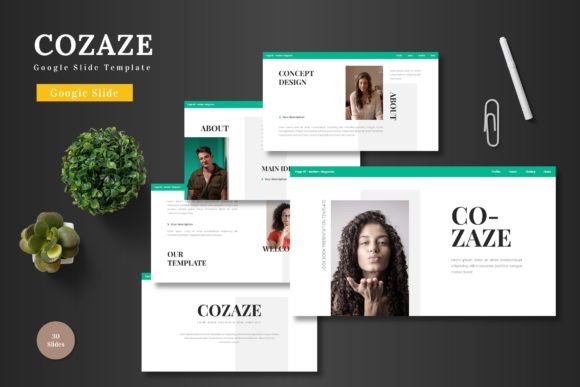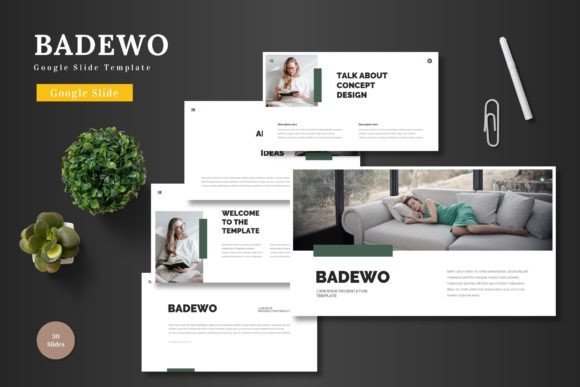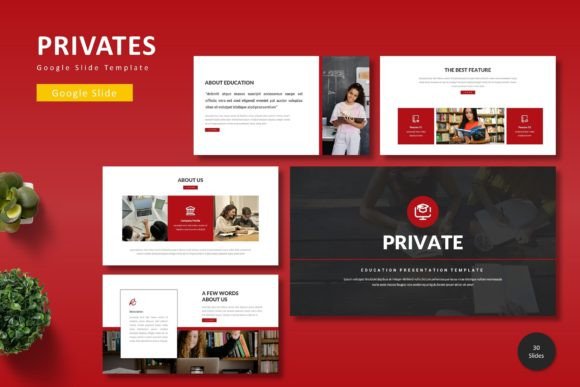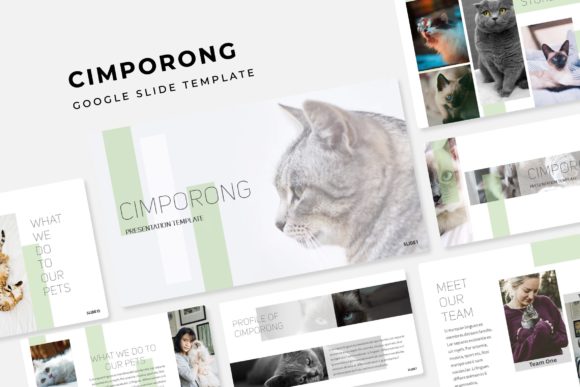
Demomir: The Google Slide Template for Polished, Professional Decks
You’ve got a brilliant idea, a crucial business update, or a new product to launch. The content is solid. But when you open a blank presentation file, the excitement fizzles. The default layouts feel tired, the color options are uninspired, and the thought of aligning every element from scratch is exhausting. This is where a well-structured template becomes more than a convenience—it becomes a creative partner. The Demomir - Google Slide Template is designed to bridge that gap, offering a robust foundation for anyone who needs to communicate ideas with clarity and visual impact.
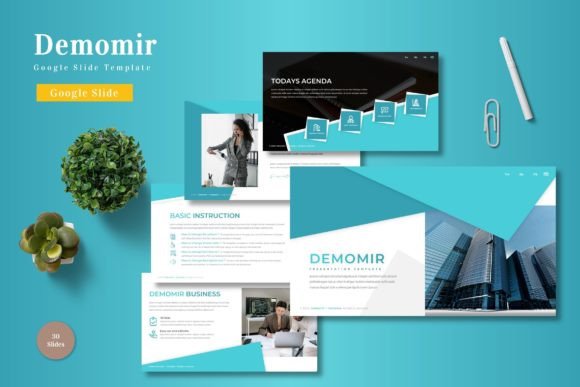
Think of a presentation not as a series of slides, but as a visual narrative. Every transition, every image placement, and every color choice contributes to the story you're telling. Demomir understands this narrative flow. With over 150 slides built on master slides, it provides a consistent framework that ensures your deck looks cohesive from the first title screen to the final thank you. The pixel-perfect illustrations and handcrafted infographics aren't just decorative; they're tools to break down complex data, showcase processes, or highlight key metrics in a way that's instantly understandable. For a marketing professional outlining a campaign or a small business owner presenting to investors, this level of built-in sophistication saves hours and eliminates the guesswork of professional design.
A Flexible Toolkit for Real-World Projects
The true value of a design asset lies in its adaptability. Demomir’s five premade color schemes are a starting point, not a limitation. Need a palette that feels energetic and modern for a tech startup pitch? There’s a variation for that. Looking for something more subdued and professional for a quarterly report? Another scheme fits the bill. This flexibility extends to every graphic element. Because everything is resizable and editable within Google Slides, you’re not locked into a rigid template. You can adjust an infographic to fit your specific data, swap placeholder images with your own high-quality photos via drag-and-drop, and use the section break slides to create clear, digestible chapters in your presentation.
This adaptability makes it a powerful asset across numerous fields. A content creator can use the gallery and portfolio slides to visually showcase their work to potential clients. A freelance designer can quickly mock up a brand identity proposal, using the consistent layouts to present logos, color palettes, and typography choices side-by-side. For educators or workshop facilitators, the clear structure helps organize lesson plans and interactive sessions. It’s about having a professional-grade toolkit that molds to your specific project goals, whether you're designing social media graphics, outlining a new website layout, or creating compelling sales materials.
Beyond the Slides: Building Brand Consistency
One of the most challenging aspects of building a brand is maintaining visual consistency across every touchpoint. A scattered, inconsistent presentation can subtly undermine your credibility. Demomir acts as a style guide in action. By using the same template—and its color variations—across all your company presentations, you reinforce your brand identity with every click. The consistent use of typography, spacing, and graphic style helps build recognition. Your audience starts to associate that clean, professional look with your business, which is a cornerstone of effective branding.
This principle of consistency is crucial for any visual communication. The same logic applies to choosing a premium font for your brand materials. You wouldn’t use a whimsical script font for a corporate annual report, nor a rigid sans serif font for a wedding invitation. Demomir’s design philosophy aligns with this thinking. Its layouts are crafted to work with a range of modern typography, allowing you to pair it with a display font for impact or a clean serif font for readability in body text. This encourages good design habits, prompting you to think about font pairing and how your chosen typeface supports your message.
Practical Tips for Maximizing Your Template
To get the most out of a tool like Demomir, approach it with a strategist’s mindset. Before you even open the file, outline your core message. What are the three key points your audience must remember? Use the template’s structure to support that narrative arc. Use the section breaks to signal a shift in topic, and leverage the infographic slides to make data memorable.
Don’t be afraid to customize. The readme file included is your first stop—it details the fonts and photos used, giving you a starting point for your own style exploration. If the provided color schemes don’t perfectly match your brand hex codes, take ten minutes to update the master slides. This single adjustment will cascade the change throughout the entire deck, ensuring flawless visual consistency. Test your final presentation on the device you’ll use to present it. Check that text is legible from the back of the room and that animations enhance rather than distract.
Ultimately, a great template like Demomir doesn’t do the thinking for you—it does the heavy lifting. It provides the polished, professional canvas upon which you can paint your ideas, secure in the knowledge that the visual framework is sound. This allows you to focus on what truly matters: delivering a compelling message that engages your audience, strengthens your brand identity, and moves your projects forward. It’s a practical design asset that turns the daunting task of presentation design into a streamlined, even enjoyable, part of your creative workflow.