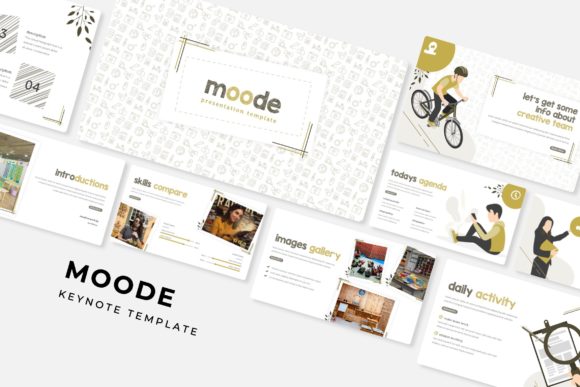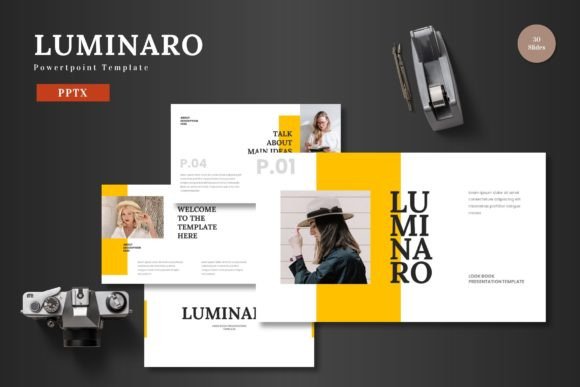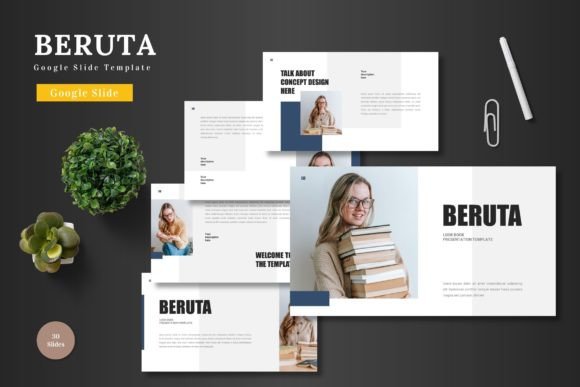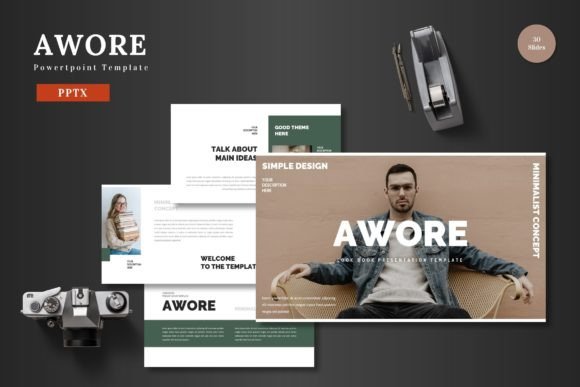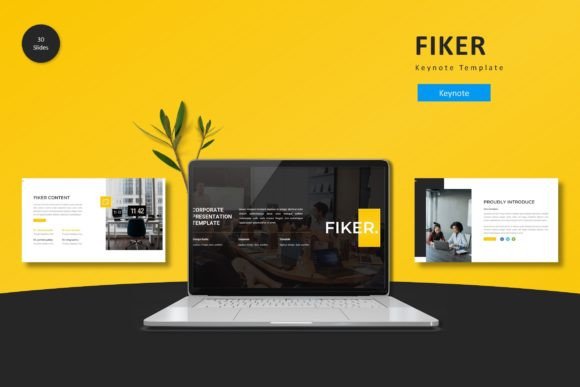
Fiker: A Modern Keynote Template for Polished Presentations
You've got the big idea, the data, the story. Now, how do you make sure your audience doesn't just hear it, but actually see and remember it? We've all sat through presentations that were a visual mess—clashing colors, inconsistent layouts, and text so small it felt like an eye exam. The difference between a forgettable slide deck and one that commands attention often comes down to design cohesion. That's where a resource like the Fiker - Keynote Template steps in, not as a magic wand, but as a serious toolkit for anyone who needs to communicate ideas with clarity and style.
Beyond Slides: A Visual System for Your Ideas
At first glance, Fiker is a collection of over 150 slides across five color schemes. But look closer, and you'll find it's a structured system designed to solve a very real problem: visual inconsistency. Each of the five color variations isn't just a palette swap; it's a fully realized aesthetic direction. This means you can choose a scheme that aligns with your brand's existing colors or the specific mood of your project—a cool, corporate blue for a quarterly report, a warm, energetic palette for a product launch, or a minimalist scheme for an academic lecture. The fact that everything is built on Master Slides is the engine under the hood. Change a font on the master, and it updates across all 30 slides in that template. Need to adjust the color of a recurring graphic element? One edit does the trick. This isn't just about looking good; it's about efficiency and ensuring every single slide feels like part of the same family.
Practical Applications: From Boardroom to Social Feed
The true test of any design asset is its versatility. Let's break down where a template like this actually earns its keep. For small business owners and entrepreneurs, it's a lifeline. You're pitching investors, training new hires, or presenting to clients. A polished, professional deck built with Fiker's handcrafted infographics and pixel-perfect illustrations instantly boosts your credibility. You're not just presenting numbers; you're presenting a brand identity that's organized and trustworthy.
Content creators and marketers will find a different kind of value. Imagine repurposing a webinar slide into a series of social media graphics for Instagram or LinkedIn. The consistent visual language means your audience recognizes your content instantly in a crowded feed. The drag-and-drop picture placeholders make swapping in new images for a blog post summary or a promotional graphic a matter of seconds, not hours of fiddling with alignment. The gallery and portfolio slides are perfect for showcasing work, whether you're a photographer, a consultant, or a freelance designer building a case study.
Even for print materials and merchandise, the underlying design principles apply. The clean layouts and balanced typography in the template can inspire the hierarchy for a poster, an event invitation, or the information panel on packaging. It’s a visual language you can adapt. For educators and trainers, the clear section breaks and structured slides make complex information digestible, improving readability and audience engagement in a classroom or workshop setting.
Making It Your Own: Tips for Customization
Getting a template is the easy part. Making it sing with your own content is where the work—and the fun—begins. Here’s how to approach it:
- Start with Your Content, Not the Template. Write your key points and narrative arc first. Then, browse the slide layouts to find the structures that best support your message. A data-heavy section calls for the infographic slides; a client testimonial fits perfectly on a quote slide.
- Respect the Hierarchy. The template is designed with a clear visual hierarchy. Use the bold title slides for your main points, the body slides for details, and the section breaks to give your audience a mental pause. Don't fight the structure—use it to guide your audience's attention.
- Font Pairing is Key. While the template includes font suggestions, you'll likely want to match your brand's typeface. The rule of thumb is often one serif and one sans serif, or one display font and one clean body font. Test your pairings on a few slides to ensure they're legible at a distance and maintain the modern typography feel of the template.
- Color is Emotional. The five color schemes are starting points. If you're using this for a client, pull their brand colors. Use the eyedropper tool to apply their primary and secondary colors to key elements, ensuring visual consistency with their other marketing assets like their website and brochures.
- Images Matter. Use the picture placeholders as intended. Drag and drop high-quality, relevant images. Poor, pixelated, or generic stock photos will undermine the entire professional foundation the template provides. Your visuals should tell the same story as your words.
The "Readme First" file included isn't an afterthought—it's your guide to the fonts and photo sources used in the preview, which is crucial for maintaining that polished look if you choose to replicate a specific style. Always check the licensing for any fonts or images you use in your final commercial project.
The Bigger Picture: Design as Communication
Ultimately, a tool like the Fiker - Keynote Template is about more than pretty slides. It's about reducing the friction between your idea and your audience's understanding. It handles the heavy lifting of design fundamentals—alignment, contrast, repetition, proximity—so you can focus on the substance of your message. Whether you're a solo entrepreneur building a brand identity from scratch, a marketing team needing to streamline the production of digital products and reports, or a hobbyist wanting to share a passion project with a community, having a reliable visual framework is empowering. It ensures that every time you click "present," you're putting your best foot forward, not just in what you say, but in how it's seen.