Awore: A Clean, Modern Template for Effortless Presentations
You’ve got the data, the strategy, the story to tell. But when you open PowerPoint, the blank slide stares back, and the default templates feel stale. The gap between your professional vision and your final presentation can be frustratingly wide. This is where a thoughtfully designed template like Awore steps in, not to do the work for you, but to provide a polished, flexible foundation that lets your content shine.
Beyond the Default: Why a Purpose-Built Template Matters
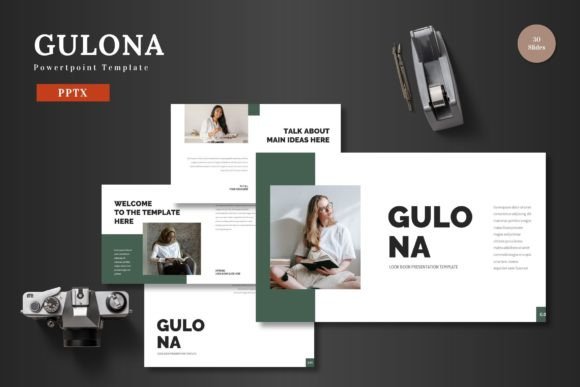
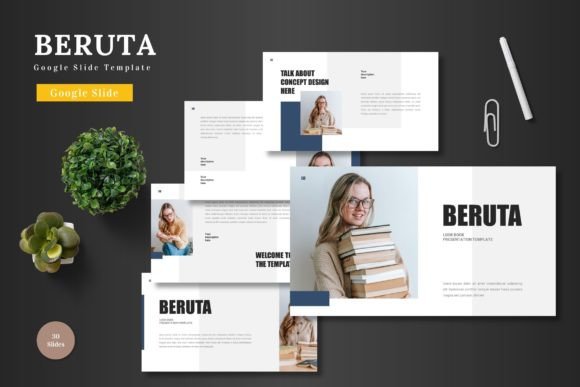
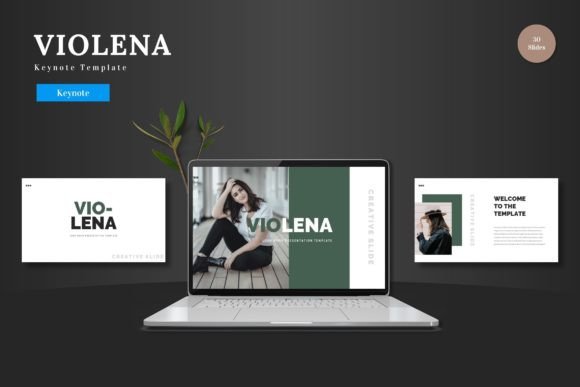
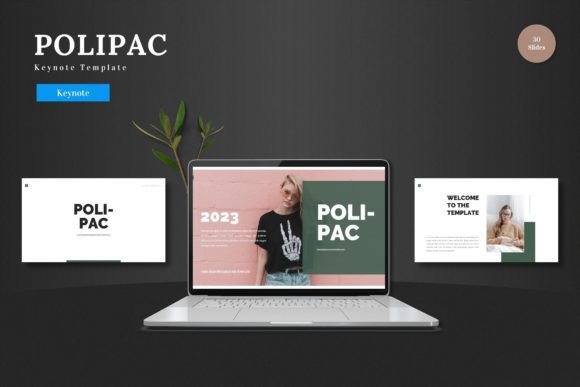
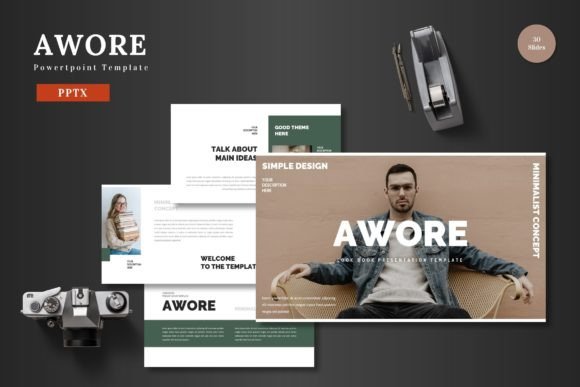
A presentation is more than a sequence of slides; it’s a visual argument. Cluttered layouts, inconsistent fonts, and amateurish graphics can undermine even the most compelling data. Awore is built on the principle of clean, scalable design. Every element, from the handcrafted infographics to the pixel-perfect illustrations, is designed to maintain visual harmony. This isn't just about looking good—it's about credibility. When your slides are visually consistent and professionally structured, your audience focuses on your message, not on distracting design flaws.
The practical value lies in its editability. All 150+ slides are built on master slides, meaning you can change a color scheme or font once and see the update cascade through your entire deck. The drag-and-drop picture placeholders eliminate the tedious task of resizing and cropping images. This kind of thoughtful structure saves hours of formatting time, freeing you to concentrate on refining your narrative and practicing your delivery.
A Versatile Toolkit for Diverse Professional Needs
The true test of a design asset is its adaptability. Awore’s five pre-made color schemes and 30 slides per template provide a starting point for a wide range of professional scenarios:
- Business & Pitch Decks: Create investor presentations that balance data-heavy charts with clear, compelling text slides. The section break slides help organize complex information into digestible chapters.
- Marketing & Brand Strategy: Develop internal strategy documents or client-facing reports. The portfolio and gallery slides are perfect for showcasing campaign results or brand assets in a visually engaging way.
- E-commerce & Product Launches: Use the clean layouts to highlight product features, user testimonials, and sales metrics. The scalable graphics ensure your high-resolution product images look sharp.
- Educational & Workshop Content: Structure course materials or workshop guides with clear visual hierarchies. The infographic elements help explain processes or concepts without relying solely on bullet points.
- Personal Projects & Events: From wedding planners to community group reports, the template’s multipurpose nature allows for a professional touch in personal projects.
Practical Tips for Maximizing Your Template
Getting a template is just the first step. Using it effectively requires a bit of strategy. Here’s how to make Awore work for you:
Start with the Color Scheme. Before you input a single word, choose the color variation that best aligns with your brand or the mood of your presentation. A serious financial report might call for the navy and slate option, while a vibrant startup pitch could use the teal and orange scheme. This single decision sets the entire visual tone.
Customize, Don't Just Populate. The template is a framework. Swap out the placeholder images with your own high-quality photos. Adjust the color accents to match your brand’s secondary palette. The goal is to make it yours, not to use it as-is. This is where you inject your brand’s personality.
Respect the Hierarchy. The slide layouts are designed with a clear visual hierarchy—headlines, subheads, body text, and data points are given specific weights. Use this structure. Don’t force a long paragraph into a headline box. Let the design guide how you organize your information.
Leverage the Infographics. Instead of describing a process in three bullet points, use one of the handcrafted infographic slides to visualize it. Visual data is processed faster and remembered longer. It’s not just decoration; it’s a communication tool.
Final Polish. Once your content is in, run through the entire deck in slideshow mode. Check for alignment, ensure all transitions are smooth, and verify that the animated slides enhance rather than distract. This final review is what separates a good presentation from a great one.
Building a Cohesive Visual Identity
Consistency is the bedrock of professional communication. Using a unified template like Awore across multiple presentations—whether they’re quarterly reviews, client pitches, or team trainings—builds a recognizable visual language for your brand. Your audience begins to associate that clean, modern aesthetic with your professionalism and reliability. It becomes part of your brand identity, extending beyond your logo and website into every interaction.
In a world saturated with information, clarity and polish are your allies. A tool like Awore isn’t about flashy effects; it’s about removing friction from the design process so you can communicate with greater impact and confidence. It’s the quiet workhorse that lets your brilliant ideas take center stage.