Stop Scrolling: Why Your Social Media Templates Are Holding You Back
If you’ve ever found yourself staring at a blank canvas in Canva at 9:00 PM on a Sunday, trying to whip up a promotional post for Monday morning, you know the specific kind of panic that sets in. You know your product is good. You know your service is valuable. But translating that value into a cohesive, professional visual language on platforms like Instagram, Facebook, or LinkedIn? That is a different beast entirely. We often treat social media graphics as an afterthought—something we "have to do" rather than a core component of our brand architecture. But here is the reality: in a crowded digital landscape, consistency isn't just nice to have; it is the currency of trust.
This is where the concept of a modular design system, like the Digital Marketing Social template package, becomes a game-changer. It moves you away from the chaotic "design-by-feel" approach and into a streamlined workflow that actually supports your business goals.
The Psychology of Consistency in Branding
Think about the brands you follow religiously. Whether it’s a massive retailer or a local boutique coffee shop, you can likely recognize their content before you even read the caption. That is the power of visual consistency. When a user is scrolling through a feed—a chaotic mix of vacation photos, political rants, and cat videos—your content needs to act as a visual anchor. It needs to say, "Stop. This is familiar. This is safe."
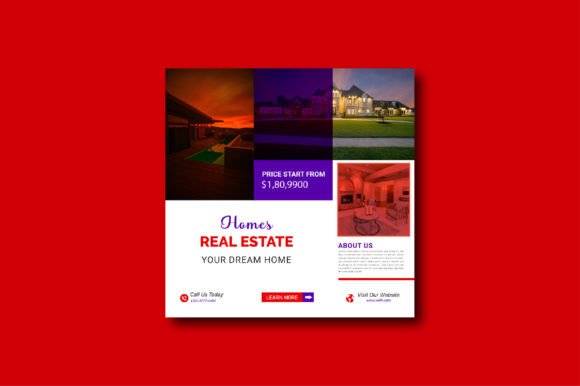
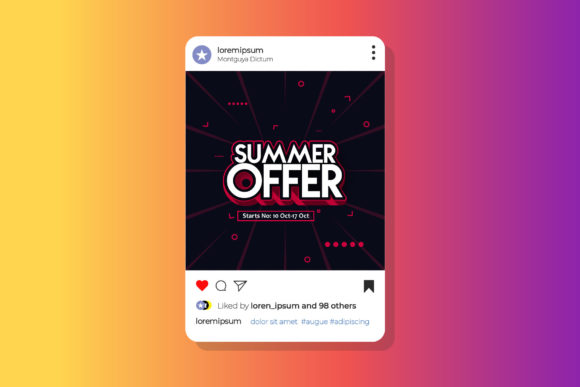
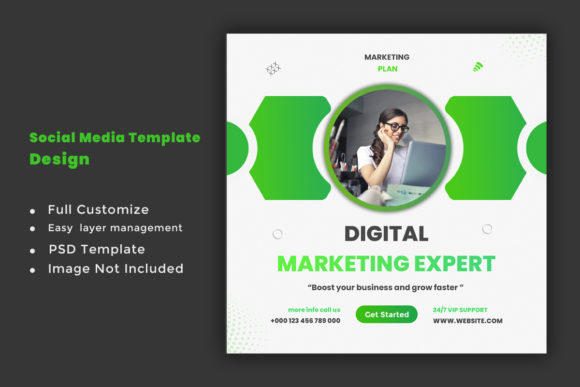
A resource like the Digital Marketing Social template design isn't just about having pretty squares to post. It is about enforcing a visual grid. When you use a standardized 2000px x 2000px canvas with a unified design language, you train your audience's eye. They begin to associate specific colors, layouts, and typography styles with your expertise. Without this, you risk looking disjointed, which subconsciously signals to potential customers that your business might be disorganized, too.
Beyond the Square: Practical Applications of Modular Design
One of the biggest misconceptions about "social media templates" is that they are only useful for Instagram posts. If you are investing in high-quality design assets, you need to extract every ounce of value from them. The versatility of a high-resolution, layered file format—specifically PSD files—opens up a world of possibilities that a simple JPEG export simply cannot offer.
Let’s break down how a robust template system serves various facets of your creative and commercial projects:
- Brand Identity & Stationery: The elements used in a social media header can often be repurposed for digital letterheads or email signatures. If your social template features a specific geometric overlay or a unique framing device, that same element can tie your physical business cards to your digital presence.
- Digital Products & Lead Magnets: Are you selling an eBook, a course, or a digital planner? The visual language of your marketing needs to match the product itself. Using the same layout structures from your marketing templates to design your product covers ensures a seamless transition from "ad" to "purchase."
- Packaging & Merchandise: For those selling physical goods, the unboxing experience starts online. The graphics you use to tease a product on stories can be adapted for hang-tags, sticker sheets, or packaging inserts.
- Editorial Layouts: Bloggers and publishers can use these square or vertical formats for Pinterest graphics or website hero images, ensuring that the typography hierarchy used on social media translates to their web design.
The Technical Foundation: Why Specs Matter
It is easy to overlook the technical specifications of a design file until you are in the middle of a print run and realize your image is pixelated. When we talk about professional-grade assets, the details in the file description are not just marketing fluff; they are the safeguards of quality.
The Digital Marketing Social template package specifies a few critical technical features that you should look for in any design asset:
- High Resolution (300 DPI): While 72 DPI is standard for web, 300 DPI (Dots Per Inch) is the requirement for print. This means the templates designed for your Instagram feed are actually high-quality enough to be printed on a flyer or a poster without losing sharpness. This dual-purpose capability is essential for modern marketing where the line between digital and physical is blurred.
- RGB Color Mode: This is the standard for screens. It ensures that the vibrant greens, deep blues, or bright reds in your design look exactly as intended on a mobile phone or desktop monitor.
- PSD Format & Layering: A flat image is a dead end. A PSD (Photoshop Document) file is a living workspace. It allows you to peel back the layers, change the background color, swap out the typography, or adjust the opacity of an overlay. This is what enables "quick design changes"—you aren't recreating the wheel; you are simply tuning the engine.
Typography: The Voice of Your Visuals
Text on social media carries a heavy burden. It has to be readable in a split second, but it also has to convey personality. This is where the choice of font becomes a strategic decision. A common mistake is choosing a font solely based on what looks "cool" rather than what aligns with the brand voice.
When selecting typefaces for your projects, consider the following:
- Readability vs. Style: A highly decorative script font might look beautiful for a wedding invitation, but it will fail miserably as the body text on a "How-To" infographic. Look for templates that utilize a mix of a display font for headlines and a clean sans serif font for the supporting text.
- The "Free Font" Advantage: Many premium templates require you to purchase expensive commercial fonts to make the design work. When a package notes "Free font use," it removes a significant barrier to entry. It allows small business owners and hobbyists to achieve a premium font look without worrying about licensing fees for every single typeface used.
- Pairing Logic: Good design relies on contrast. If your headline is a bold, modern serif font, your body copy should likely be a lighter sans serif. This hierarchy guides the reader's eye from the hook to the details.
Customization: Making the Template Your Own
The danger of using templates is the risk of looking like everyone else. If you buy a design and use it exactly as is, you are essentially wearing a uniform that a thousand other people might be wearing. The value of a "Fully Customize File" lies in your ability to infuse your unique brand DNA into the structure.
Here is a practical approach to customization:
- Color Theory: Immediately swap the placeholder colors for your specific brand hex codes. Don't just change the background; look at the accents, the buttons, and the text highlights.
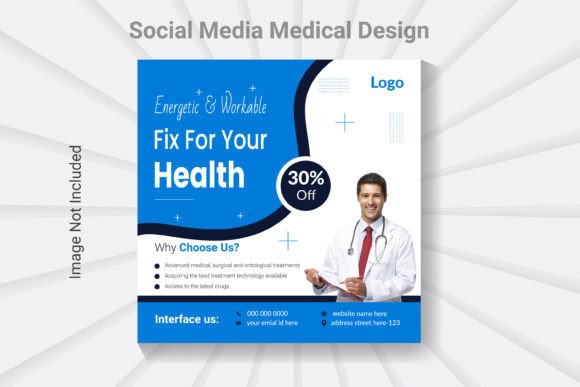
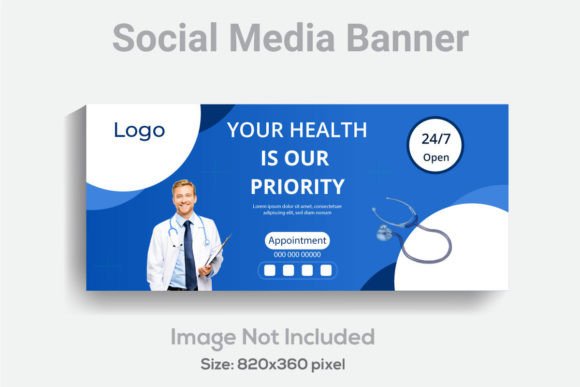
- Image Strategy: The note "Image not included" is actually a blessing in disguise. It forces you to use your own photography or curated stock images. This ensures the content feels authentic to your business, not a generic stock photo agency.
- Layout Adjustment: Just because the template has a text box on the left doesn't mean it has to stay there. If you are comfortable in Photoshop, move elements around. Resize the image window. Break the grid slightly to create visual interest.
Streamlining Your Workflow
For the busy entrepreneur or the freelance designer juggling multiple clients, time is the most expensive resource. The goal of using a Digital Marketing Social template design is to eliminate the "blank canvas" phase of creation.
Instead of spending 45 minutes aligning text boxes and choosing colors, you are spending 10 minutes swapping out a headline and a photo. This efficiency allows you to be more reactive. Did a trending topic just pop up in your industry? You can have a relevant graphic ready in minutes, not hours. This agility is what separates brands that lead the conversation from those that lag behind.
Ultimately, whether you are a crafter selling on Etsy, a consultant building a personal brand, or a marketing manager handling a corporate account, the principles remain the same. Professionalism is communicated through attention to detail. By utilizing high-resolution, customizable design assets, you aren't just making things look good; you are building a visual infrastructure that supports the growth and credibility of your business. Stop settling for disjointed posts and start building a visual brand that commands attention.