Violena: A Modern Toolkit for Polished Business Presentations
Every professional knows the feeling: you have a brilliant idea, a game-changing product, or a quarterly report that deserves attention, but the thought of spending hours wrestling with presentation software dampens the excitement. Creating a slide deck from scratch is a notorious time sink, often resulting in designs that feel generic or unprofessional. This is where a thoughtfully designed template becomes less of a luxury and more of a necessity for efficiency and impact. The right presentation asset doesn't just save time; it elevates your message, ensuring your content is framed with clarity and visual appeal. It’s about working smarter, not harder, and letting your ideas shine through a polished, cohesive visual narrative.
Beyond Slides: A Visual Communication System
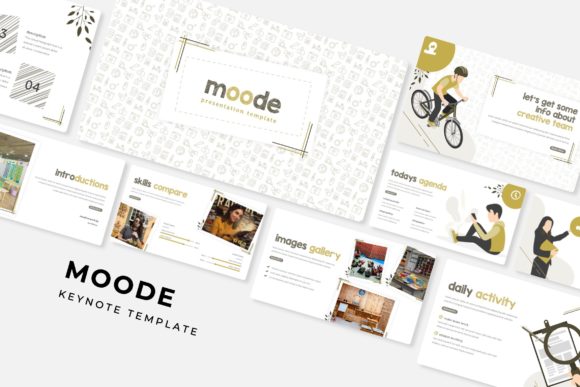
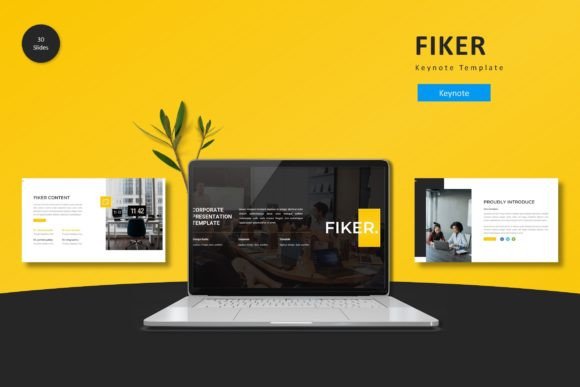
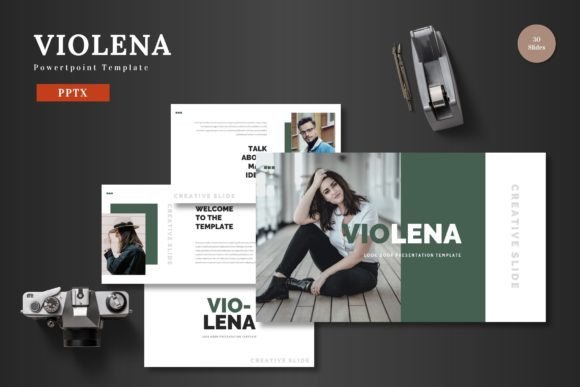
The Violena template suite operates on this principle of smart design. It’s not merely a collection of 30 slides multiplied by five colors. It’s a comprehensive visual system built for the realities of modern business communication. The core appeal lies in its clean, scalable, and multipurpose foundation. Whether you're a startup founder crafting a pitch deck, a marketing manager outlining a campaign, or an e-commerce brand showcasing a new product line, the structure adapts to your narrative. The emphasis on pixel-perfect illustrations and handcrafted infographics means your data and key points are presented with a level of polish that builds immediate credibility. This attention to visual detail is a cornerstone of effective brand identity—it signals professionalism before you even speak.
Practicality is woven into every aspect. The inclusion of picture placeholder functionality with drag-and-drop ease is a game-changer for maintaining workflow momentum. Instead of fiddling with image cropping and alignment, you can instantly drop in your own high-quality photographs or product shots, ensuring your presentation feels authentic and tailored. Similarly, the master slide architecture ensures consistency across all 150+ total slides. Change a font or color scheme on the master, and the entire presentation updates harmoniously. This is invaluable for maintaining visual consistency, especially when multiple team members are collaborating on a deck or when you need to quickly adapt a presentation for a different audience or branding guideline.
Unlocking Creative and Commercial Applications
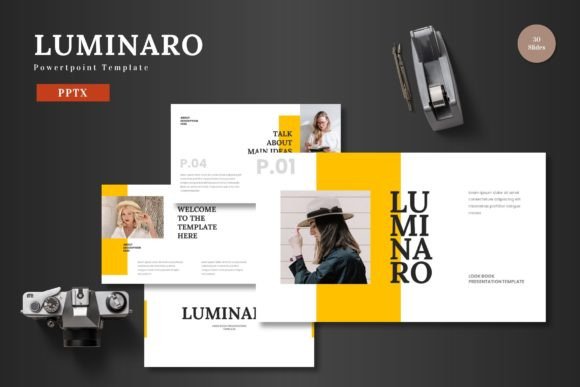
While the primary function is presentations, the utility of such a robust template extends into other areas of marketing assets and digital products. Consider the slide layouts designed for portfolios and galleries. These can be repurposed as standalone visual mood boards for client presentations or even exported as high-resolution images for use on social media graphics or website banners. The clean infographic slides can be deconstructed and their individual elements—charts, timelines, process flows—extracted for use in blog posts, annual reports, or editorial design projects. This flexibility is key for entrepreneurs and content creators who need to maximize the value of every design asset they acquire.
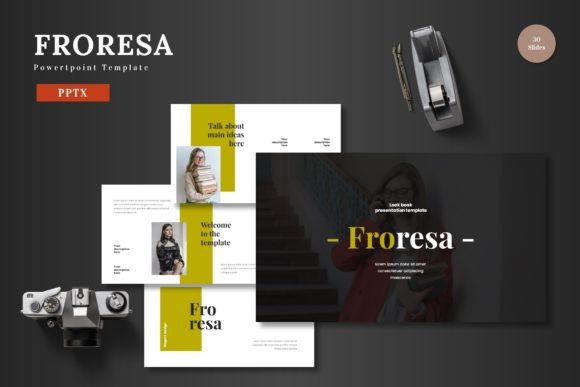
The five pre-made color variations offer a strategic starting point for exploring brand identity directions. Instead of starting from a blank canvas, you can experiment with different palettes to see which best resonates with your brand's personality—whether it's the energetic vibe of a vibrant scheme or the trustworthy feel of a more subdued palette. This can be a practical exercise in packaging design thinking, where color psychology plays a crucial role in audience perception. For small businesses, using these cohesive color schemes across their pitch deck, social media content, and even print materials like brochures or posters helps forge stronger brand recognition.
Practical Guidance for Effective Use
To truly leverage a tool like Violena, a strategic approach is beneficial. First, match typography to project goals. The template likely pairs a clean sans serif font for body text with a complementary display font or serif font for headings. Understand this hierarchy. Use the bold, stylistic heading fonts for impact on title slides and section breaks, but prioritize the highly readable sans serif for dense text blocks to ensure your audience can follow along without strain. Readability considerations are paramount; even the most beautiful typeface fails if it hinders comprehension.
Second, think beyond the slides. The gallery and portfolio slide isn't just for designers. A consultant could use it to showcase client logos and testimonials. A product-based business could use it for a visual product feature list. The section break slides are perfect for creating clear narrative chapters in your story, helping to pace your presentation and give your audience mental breaks. Finally, remember that all elements are editable directly in PowerPoint. This means you can recolor every graphic to match your exact brand hex codes, resize illustrations to fit your layout, and truly make the template your own. This level of customization is what transforms a generic template into a bespoke design asset that feels uniquely yours.
When you present your final slides, the goal is for the design to support, not distract from, your message. A cohesive, professional template like Violena provides that silent support system. It handles the visual heavy lifting, allowing you to focus on crafting your story, engaging your audience, and ultimately, achieving your business or personal objectives. The "Cheers" at the end of the template description feels earned—it’s the satisfaction of having a reliable, high-quality framework that makes the process of creating impactful presentations smoother and more successful.