Ecorats: Your All-in-One Google Slides Template for Every Presentation
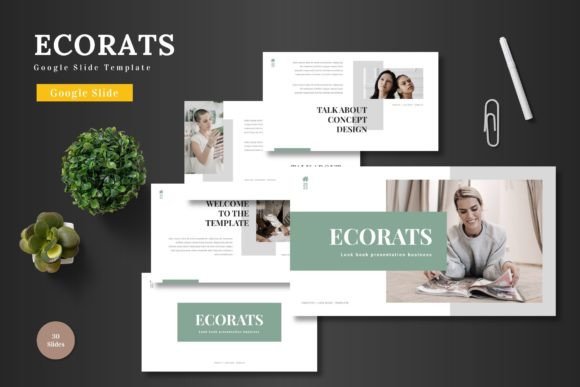
Let's be honest, building a presentation from scratch can feel like a chore. You open a blank slide deck, stare at the blinking cursor, and wonder where to even begin. The fonts, the colors, the layout—it all needs to come together to look professional and engaging. That's where a well-crafted template changes the game entirely. Imagine having a complete design system at your fingertips, one that's clean, colorful, and ready for whatever story you need to tell. That's the promise of a tool like Ecorats, a Google Slides template designed to take the friction out of creating stunning visuals.
More Than Just Pretty Slides: A Practical Design Toolkit
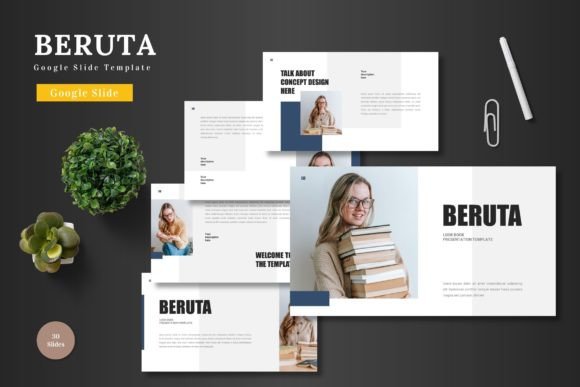
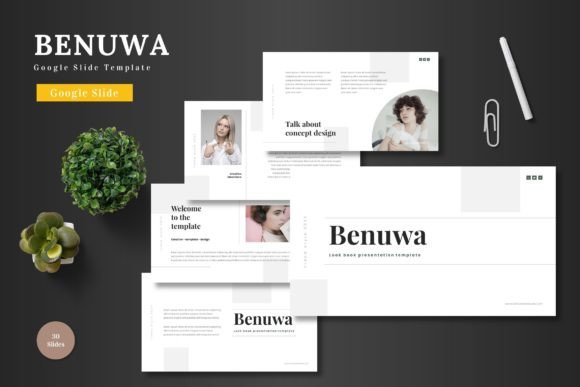
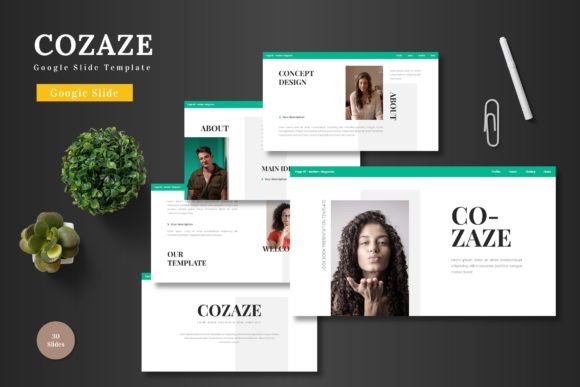
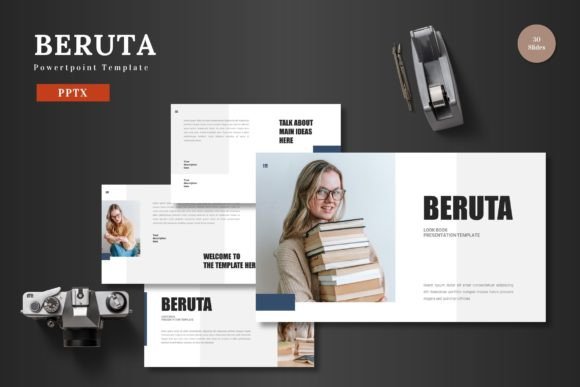
At its core, this template is about versatility. It’s not a single, rigid design but a collection of over 150 slides spread across five distinct color schemes. Think of it as a design Swiss Army knife. Whether you're putting together a formal business report, a dynamic pitch deck for investors, a sleek e-commerce lookbook, or a vibrant product launch presentation, the building blocks are already there. The beauty lies in the details—handcrafted infographics, pixel-perfect illustrations, and master slides that ensure every page maintains a consistent, polished look. This isn't about slapping your logo on a generic slide; it's about having a professional foundation that you can fully customize to reflect your unique brand identity.
The practical applications extend far beyond the boardroom. For a small business owner, these slides can be repurposed into compelling social media graphics or website banners. A content creator might use the layouts to design a digital media kit or a course overview. The included gallery and portfolio slides are perfect for creatives—photographers, designers, and artists—to showcase their work in a clean, impactful way. Because every element is editable directly within Google Slides, the barrier to entry is incredibly low. You don't need a subscription to complex design software; you just need your ideas and a browser.
Building a Cohesive Visual Language Across Platforms
One of the biggest challenges in branding and marketing is maintaining consistency. Your presentation should feel like it belongs with your website, your social media posts, and your printed materials. This is where a comprehensive template like Ecorats shines. By using the same color palette, graphic style, and typographic approach throughout your materials, you reinforce brand recognition. When a client sees your pitch deck and then later visits your Instagram, the visual connection should be immediate and familiar.
Consider the workflow: you can design a key presentation for a client meeting. Using the template's structure, you ensure your information is presented with clarity and visual appeal. Then, you can easily extract key slides or infographics to create supporting assets. A data chart from your presentation can become an engaging Instagram post. A product slide can be adapted into a flyer or a web page header. This ability to maintain a cohesive visual language across different platforms—from digital presentations to potential print materials—saves time and strengthens your overall professional image. It turns your design assets from isolated projects into interconnected parts of a larger brand story.
Practical Tips for Getting the Most Out of Your Template
Having a powerful tool is one thing; using it effectively is another. Here’s how to approach a template like this to maximize its value for your projects.
- Start with Your Content, Not the Design. Before you even open the template, outline your key messages. What's the story you're telling? What's the single most important takeaway for your audience? Let your content guide which slides and layouts you choose, rather than forcing your message into a pre-designed box.
- Customize with Purpose. The five color schemes are a fantastic starting point, but don't stop there. Align the colors with your existing brand palette. If your brand uses a specific shade of blue, update the master slides to reflect it. This simple step transforms the template from a generic tool into a bespoke part of your brand toolkit.
- Master the Drag-and-Drop Placeholder. The picture placeholder feature is a huge time-saver. Prepare your images in advance, cropped to a similar aspect ratio. Then, simply drag and drop them into the designated spots. This keeps your layouts clean and professional without tedious manual resizing and cropping for each image.
- Think Beyond the Obvious. Don't just see it as a presentation deck. A well-designed slide with a strong quote can become a standalone social media graphic. A process infographic can be printed and hung in your office as a visual guide. A portfolio slide can be the hero image on your LinkedIn profile. Treat the template as a source of modular design elements you can mix and match.
- Test in Presentation Mode. Always run through your final deck in presentation mode. Check the flow, the timing of any animations, and the readability of text on different screen sizes. This final review ensures your audience experiences the polished, professional result you've worked to create.
Ultimately, the goal of any design asset is to help you communicate more effectively. A versatile, high-quality template removes the technical hurdles of design, allowing you to focus on your message, your strategy, and your connection with your audience. It’s about presenting your best self—whether that’s a business, a creative portfolio, or a personal project—with confidence and clarity.