Master Your Presentations with the Cagorent Template
Every professional, from a startup founder pitching to investors to a marketing manager presenting quarterly results, knows the sinking feeling of staring at a blank slide deck. The challenge isn't just having good information; it's presenting it in a way that captures attention, builds trust, and makes your message stick. This is where the Cagorent - Google Slide Template steps in, offering a robust solution that transforms the daunting task of presentation design into a streamlined, creative process. It’s more than just a set of slides—it's a toolkit for visual storytelling, designed to help you communicate complex ideas with clarity and style.
A Foundation Built for Visual Impact
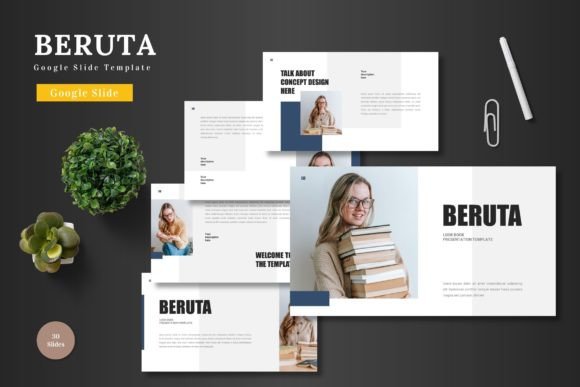
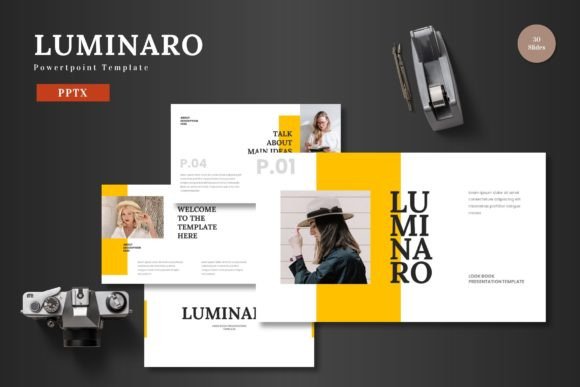
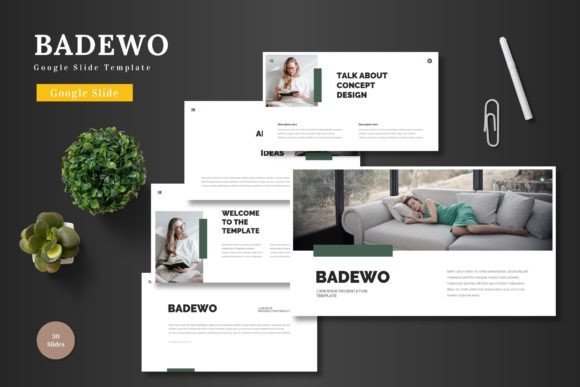
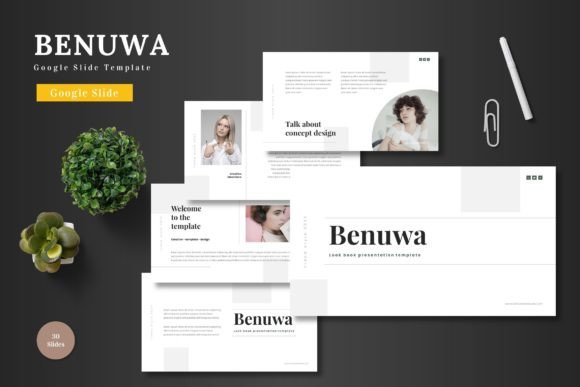
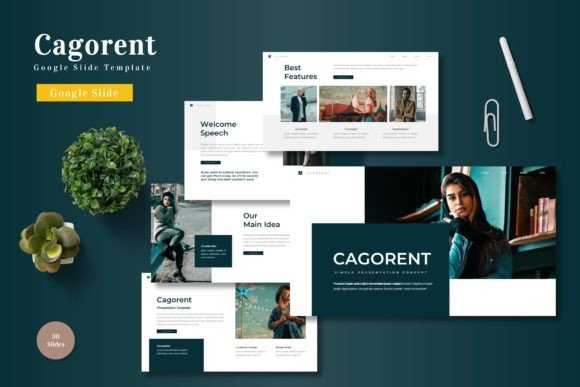
What immediately sets this template apart is its sheer scope and flexibility. With over 150 total slides across five premade color schemes, you have a vast library of layouts at your fingertips. This isn't a one-size-fits-all solution; it's a customizable system. Each of the five color variations offers 30 meticulously crafted slides, ensuring your presentation can match your brand's existing identity or explore a new visual direction. The inclusion of section break slides is a thoughtful touch, allowing you to structure your narrative with clear visual pauses that guide your audience through the content.
At its core, the design philosophy centers on pixel-perfect illustrations and handcrafted infographics. These aren't generic clipart images; they are purpose-built visual elements designed to explain processes, showcase data, and highlight key points. Because they are fully resizable and editable, you can adapt them to fit your specific content without losing quality. The picture placeholder feature, which supports simple drag-and-drop functionality, means you can personalize the deck with your own imagery in minutes, maintaining a professional and cohesive look throughout.
Practical Applications Beyond the Boardroom
While the primary use case is clear, the versatility of the Cagorent template makes it a valuable asset for a wide range of projects. Consider its utility in developing your brand identity. You can use the consistent slide master layouts to create a unified look for all your internal and external communications, from investor pitches to team training materials. The clean, modern typography and structured grids help reinforce visual consistency, a key component of strong brand recognition.
For content creators and small business owners, this template is a powerhouse for creating marketing assets. Imagine designing a compelling social media carousel for Instagram or LinkedIn directly within Google Slides, using the infographic elements to break down a tutorial or showcase a product feature. The gallery and portfolio slides are perfect for photographers, designers, or artisans looking to present their work in a polished, organized manner, whether for a client proposal or an online portfolio.
From Digital to Print
The utility extends seamlessly into print. The high-resolution graphics and clean layouts make it straightforward to export slides for use in print materials such as posters, event programs, or product packaging inserts. A small business owner could design a workshop handout or a product catalog page using the template's grid system and typographic hierarchy, ensuring the final printed piece looks just as professional as the digital version. This bridge between digital and physical applications is where a well-designed design asset truly proves its worth.
Optimizing Your Workflow and Output
Getting the most out of any template involves a bit of strategy. First, take time to review the font styles included in the readme file. Understanding the typeface choices—a potential mix of serif for headings and sans serif for body text—will help you maintain readability and aesthetic harmony. When customizing, stick to the provided color schemes initially to leverage the pre-built cohesion, then experiment with your brand's palette.
A critical piece of advice is to test your final presentation in the environment where it will be viewed. Check how text and graphics render on different screens if it's for a webinar. If it's for a live meeting, ensure high contrast for readability from the back of the room. The master slides feature is your best friend here; making global changes to fonts or colors is efficient and ensures uniformity. Remember, the goal is professional presentation that enhances your audience engagement, not distracts from it.
Finally, always be mindful of licensing for any commercial project. Ensure the fonts and images included are cleared for your intended use, especially if the presentation will be used in commercial font for logo design or packaging design that will be sold. The Cagorent - Google Slide Template provides a professional framework, but due diligence on assets is a mark of a responsible creator.
In essence, this template is a collaborative partner in your communication strategy. It handles the heavy lifting of design structure and visual polish, freeing you to focus on what you do best: crafting a compelling message. Whether you're building a brand, educating an audience, or selling an idea, having a reliable, adaptable, and visually stunning foundation like this can make the difference between being heard and being remembered.