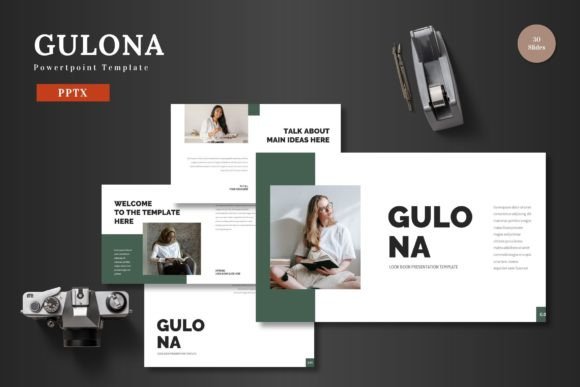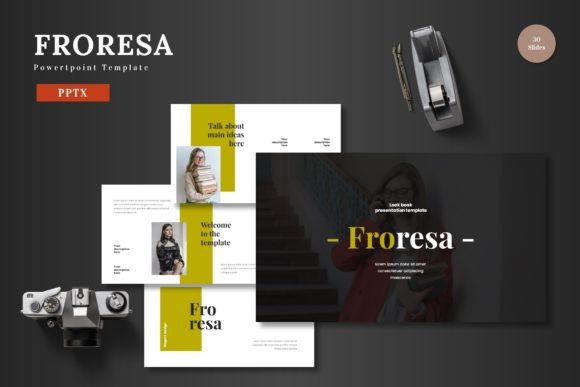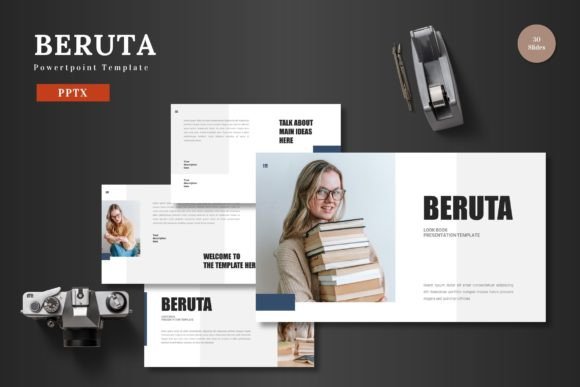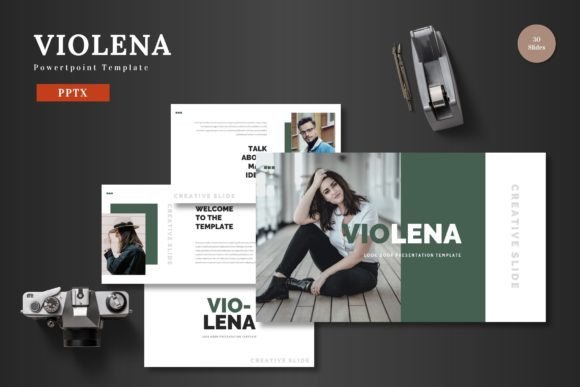
Remuro: The Versatile Presentation Toolkit for Modern Brands
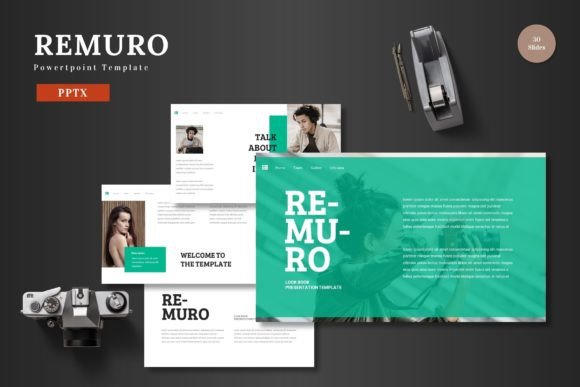
You know that feeling when you’re prepping a pitch deck or a major client update, and you spend the first three hours just fiddling with alignment boxes and color hex codes? It’s the silent productivity killer of the business world. We’ve all been there—trying to force a generic template to match our brand guidelines, only to end up with a presentation that looks disjointed and unprofessional. This is exactly the friction point that the Remuro - Powerpoint Template aims to solve. It’s not just a collection of slides; it’s a comprehensive visual communication system designed for people who need to look like design pros without actually having to go to design school.
At its core, Remuro is built on the philosophy of "clean, scalable, colorful, and multipurpose." In the past, presentation kits were often rigid. You bought a "Corporate" template that looked like it was made in 1999, or a "Creative" template that was so chaotic you couldn't read the text. Remuro sits in that sweet spot of modern minimalism. With over 150 total slides spread across five premade color variations, it offers the kind of volume and variety that usually requires a premium subscription service. Whether you are a small business owner trying to secure funding, a marketer pitching a new campaign strategy, or a creative professional showcasing a portfolio, the infrastructure is already there. You aren't starting from a blank canvas; you are starting from a place of strength.
Why Visual Consistency is Your Best Asset
Let’s talk about brand identity. We hear that term thrown around a lot, but in practice, it comes down to repetition and reliability. If your Instagram stories look different from your pitch decks, and your pitch decks look different from your website, you create cognitive dissonance for your audience. They don't know who you are. One of the standout features of the Remuro template is its reliance on Master Slides.
For the uninitiated, Master Slides are the "source code" of your presentation. Instead of editing a title on slide 1, then going to slide 12 and editing that title, you edit the Master Slide once, and it updates the font, size, and position across the entire deck. Remuro leverages this to ensure that your typography and layout remain pixel-perfect from the introduction to the final "Q&A" section. This isn't just about looking pretty; it’s about professional credibility. When your slides transition smoothly, with consistent margins and font weights, your audience subconsciously trusts the data you are presenting more than if the text was jumping around.
Furthermore, the template includes Section Break Slides. These are crucial for pacing. If you are running a workshop or a long business review, these visual breathers help reset the room's attention span, allowing you to segment complex information into digestible chunks.
Practical Applications Beyond the Boardroom
While the name "Powerpoint Template" suggests a strictly business environment, the versatility of Remuro extends far beyond quarterly reports. Because the graphics are resizable and editable—essentially vector-based shapes native to PowerPoint—you can repurpose these assets for a variety of creative projects.
Consider social media graphics. You don't always need Photoshop to create an Instagram carousel. You can open a Remuro slide, isolate an infographic, change the color scheme to match your current campaign, and export it as a high-quality image. It’s a hack that saves hours of time for content creators and bloggers who need a steady stream of visual assets.
Here are a few other practical use cases where this template shines:
- E-commerce Product Launches: Use the gallery and portfolio slides to create a visual catalog that you can share with wholesalers or embed in a newsletter.
- Pitch Decks for Startups: The 30-slide structure per template is ideal for storytelling—problem, solution, market fit, and ask—without overwhelming investors.
- Internal Training & HR: Create onboarding materials that look professional and engaging, rather than a dry Word document converted to slides.
- Web Design Mockups: If you are a designer presenting a website layout to a client, the clean grid systems in Remuro allow you to place screenshots cleanly without fighting the software.
Editing Without the Headache: The PowerPoint Advantage
One of the biggest hurdles in design is the software barrier. Not everyone has access to, or knows how to use, Adobe Illustrator or Figma. This is where the "PowerPoint native" aspect of Remuro becomes a massive advantage. The template is designed so that all elements are editable directly within PowerPoint.
You don't need to install plugins or buy extra software. If you want to change the color of a shape, you click it and change the fill. If you want to swap an image, the drag-and-drop picture placeholders make it intuitive. This democratization of design means that the small business owner in Ohio has the same visual capabilities as a design agency in New York, provided they have a good idea to communicate.
The inclusion of handcrafted infographics is particularly valuable. Data visualization is notoriously difficult to do well. Bad charts can make good data look suspicious. Remuro provides pre-built data sets, timelines, and process flows that are already balanced and aesthetically pleasing. All you have to do is input your specific numbers. This ensures that your data supports your narrative rather than distracting from it.
Making the Package Work for You
Getting the most out of a design asset requires a little bit of strategy. When you download the Remuro - Powerpoint Template, you receive five distinct color schemes. Don't just pick the one you like best; pick the one that aligns with your psychological goals. Are you pitching a finance app? Maybe stick to the blue or grey variations, which convey trust and stability. Are you launching a lifestyle brand? The brighter, more colorful variations might be the perfect fit.
The package also includes a Readme First file. This is something many people skip, but it’s vital. It contains information on the fonts used (and where to get them if they aren't installed on your system) and the sources for the stock photography used in the preview. This attention to detail ensures that you don't open the file and see "Font Missing" errors, which can break the layout.
Finally, think about font pairing. The template likely comes with a specific typographic style, but if you decide to customize it, stick to two typefaces maximum: one for headers and one for body text. This maintains the "clean" aesthetic that makes the template effective in the first place. The goal is to let your content breathe. White space isn't empty space; it's active design space that guides the viewer's eye to what matters most.
Ultimately, tools like Remuro are about removing friction. They handle the heavy lifting of layout and structure so that you can focus on what you’re actually trying to say. Whether you are closing a sale, teaching a class, or pitching a passion project, having a polished, animated, and cohesive visual framework makes the difference between being heard and being ignored. It’s ready to use, fully customizable, and waiting for your content to bring it to life.