Invasion Keynote Template: A Deep Dive into This Versatile Presentation Kit
You’ve got a big idea. Maybe it’s a startup pitch, a quarterly report, or a workshop you’re leading. You know the content inside and out, but when you open a blank presentation file, that creative block hits. How do you make your slides look polished, professional, and visually engaging without spending hours wrestling with alignment and color schemes? This is the exact problem a well-built presentation template solves, and the Invasion Keynote Template is a prime example of a toolkit designed for real-world use.
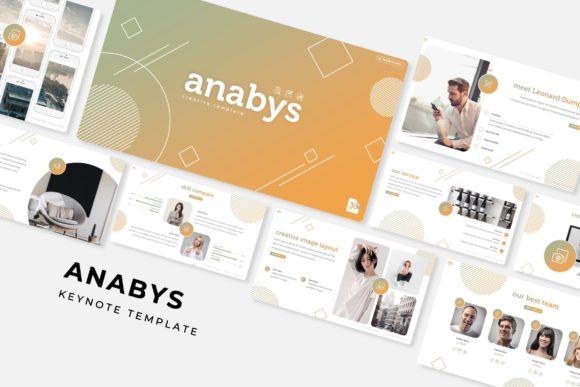
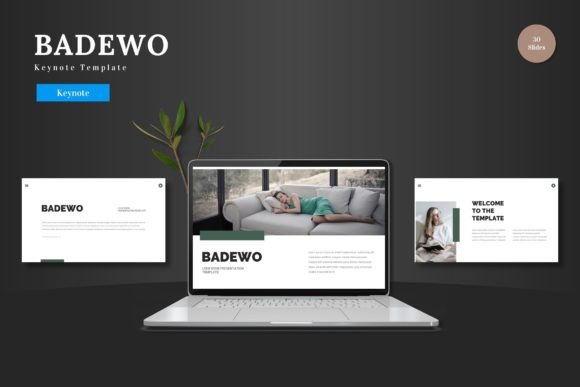
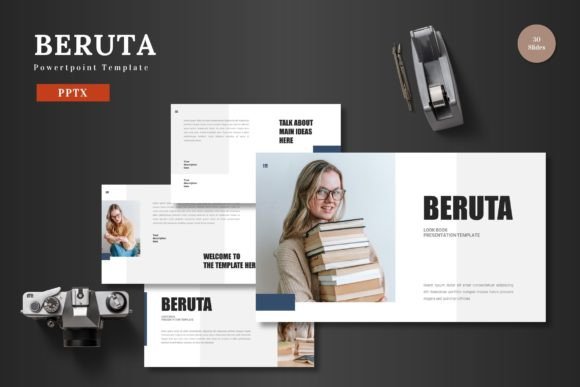
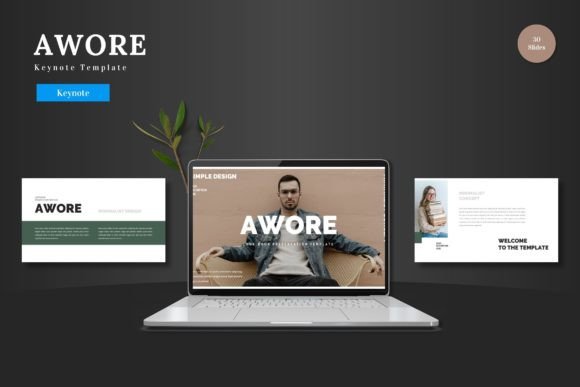
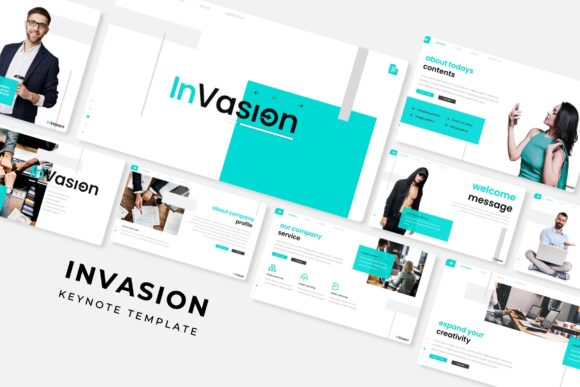
Let's break down what this package actually offers and, more importantly, how you can put its features to work for your next project. At its core, Invasion is a presentation template system built for Apple's Keynote. It’s not just a single set of slides; it’s a comprehensive kit featuring over 150 total slides. The structure is smart: it comes with five premade color themes, each containing 30 meticulously designed slides. This means you’re not just getting a color swap; each theme feels intentional and cohesive, giving you a strong starting point for different brands or moods.
Beyond the Basics: What Makes These Slides Work
The first thing you'll notice is the design quality. The slides feature pixel-perfect illustrations and handcrafted infographics. This isn’t about slapping stock icons onto a page. The visual elements are integrated into the layout, helping to explain complex ideas or data points without overwhelming your audience. For anyone presenting statistics, processes, or timelines, these infographic slides are invaluable. They transform dry numbers into a story.
Functionality is where Invasion really shines. Every graphic element is resizable and editable. You’re not locked into a fixed layout. Need to move a chart? Resize an image placeholder? It’s all drag-and-drop, based on master slides. This master slide architecture is crucial for maintaining consistency. You make a change on the master, and it updates throughout your presentation, saving you from the tedious slide-by-slide adjustment process. The picture placeholders are equally practical—just drag your image into the marked area, and it crops to fit perfectly. This feature alone can cut your preparation time in half.
Practical Applications for Your Brand and Business
So, how do you actually use a template like this? The applications are broader than you might think.
For entrepreneurs and startups, a consistent, professional presentation is your first impression. Using Invasion for investor pitches or client proposals immediately establishes credibility. The five color variations allow you to match your existing brand identity seamlessly, reinforcing brand recognition from the first slide.
Marketers and content creators will find the template useful for creating cohesive campaign assets. Imagine designing a social media graphics series where the visual style of your Instagram Stories matches the slides in your webinar. The portfolio and gallery slides are perfect for showcasing work, whether you're a designer, photographer, or consultant. You can build a mini-lookbook right within your presentation.
Even for internal use, like team meetings or training modules, the structure promotes clarity. The section break slides help organize your narrative, guiding your audience through different topics logically. For small business owners, this means you can create everything from a new employee onboarding guide to a product launch overview without needing a dedicated design team.
Making It Your Own: Tips for Effective Use
Getting a great template is step one. Using it effectively is step two. Here’s some practical advice for working with Invasion or any premium presentation kit.
Start with the Master Slides. Before you dive into individual slides, take 10 minutes to explore the master slide view. Understand the color schemes, font styles, and placeholder layouts. This is your control center for global changes.
Choose Your Font Pairing Wisely. The template includes a free font download link, which is a nice touch for ensuring everything looks as intended. However, if you’re integrating this into a larger brand system, consider how the included typeface pairs with your logo font or website typography. The goal is visual harmony, not a jarring shift in style. A clean sans-serif for headings and a highly readable serif or sans-serif for body text is a classic, safe combination.
Customize the Color Themes. While the five premade colors are a great starting point, don’t be afraid to tweak them. Use your brand’s exact hex codes. The fact that the graphics are editable means you can adjust icon colors or chart hues to match perfectly. This level of customization is what turns a generic template into your template.
Leverage the Infographics. Don’t let the handcrafted infographics go to waste. They are designed to make information digestible. If you have data to present, look for a slide layout that visualizes it. It will be more engaging for your audience than a bulleted list and demonstrates a higher level of professionalism.
Final Thoughts on a Solid Design Asset
The Invasion Keynote Template package represents a practical investment in your visual communication. It’s not about flashy animations or gimmicks; it’s about providing a clean, flexible, and professional framework that gets out of your way so your content can take center stage. The inclusion of multiple file formats, a readme file, and clear licensing information shows a thoughtful approach to the end-user.
Whether you’re building a brand identity from scratch or looking to streamline your existing presentation workflow, a toolkit like this offers significant value. It saves time, ensures consistency, and elevates the perceived quality of your work. For designers, it’s a reliable base to build upon for client projects. For business owners, it’s a way to create polished materials without a steep learning curve. The real power lies in how you adapt it to tell your unique story.